Gaming News BEAMNG.DRIVE UPDATE
BeamNG.drive v0.37 Adds Gavril Limousine, UI Overhaul and New Props
The Fall Update introduces a luxury stretch vehicle, brake glow, user-folder changes and improvements to vehicle selection.

Editorial transparency · How this story was created
Original summary generated with artificial intelligence from the official Gaming and technology sources cited in this article.
Language editions may be produced with AI and contain inaccuracies. Original sources remain the reference.
The byline identifies a virtual editorial voice, not a human journalist.
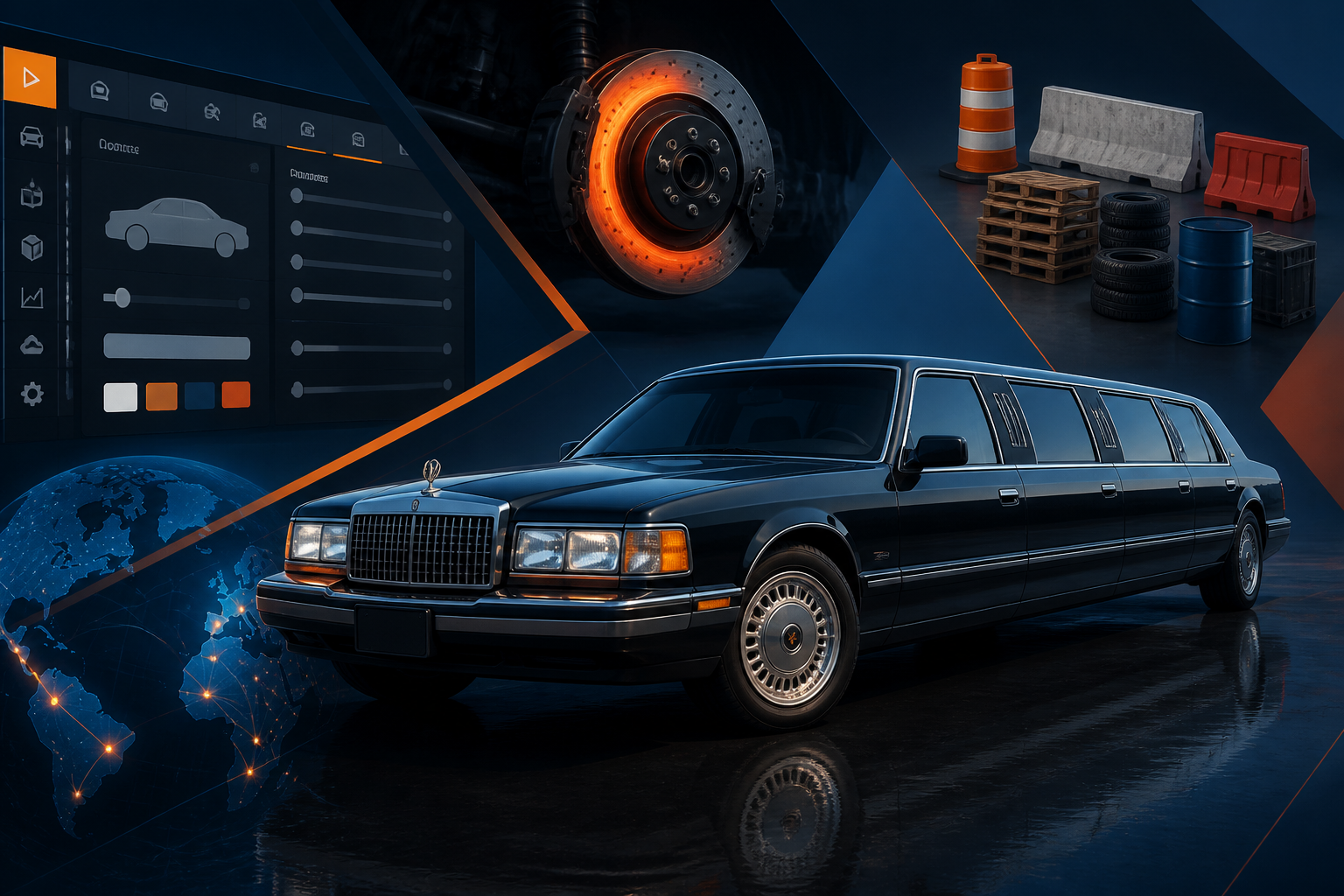
Illustrative cover generated with AI; it is not a photograph documenting the event.
Automated checks are applied. They do not establish human fact-checking.
Published by Ranko Universe. Open an editorial support ticket for corrections or questions.
BeamNG.drive’s official Version 0.37 Fall Update adds a new luxury vehicle alongside interface improvements, visual effects, gameplay props and an important change to the default User Folder location.
The update was announced by BeamNG_Leeloo on September 16, 2025, through BeamNG.drive’s official Steam News channel.
A new limousine for the Gavril lineup
The headline vehicle is the Gavril Grand Marshal Limousine, a coachbuilt stretch limousine with classic exterior styling. According to the official announcement, it arrives with five configurations and a luxury interior featuring fancy lights, a bar and a TV.
Version 0.37 also adds customization parts including a boomerang antenna, bull horns, fender flags, tinted glass and a vinyl roof. These parts will also be available for the standard Grand Marshal body, giving players more options for building and styling the vehicle.
For players and streamers, the limousine offers a new platform for showcase videos, creative scenarios and vehicle customization. That is an editorial assessment based on the announced features, not a report of hands-on testing.
Brake glow and interface changes
Brake glow has been added to all official vehicles with disc brakes. BeamNG.drive notes that the effect will be more visible in less-than-full-light conditions, adding another visual detail for driving scenes and recorded gameplay.
The default Vehicle Selector, accessed through Menu → Vehicles, has been overhauled and ported to Vue. The revised screen supports controller navigation, saved Favorite configurations, improved search and filtering, customizable tile sizes and modernized styling.
The update also includes fixes intended to improve initial UI loading and the time required to load assets such as image previews. BeamNG.drive says further investigation is continuing, and notes that the updated selector is not yet available in Garage, Time Trials, Bus Routes or Level selection.
Props expand creative testing options
Version 0.37 introduces a Spike Strip with four types, a Pressure Ball with selectable gas type and adjustable size, weight and paint design, and a Trampoline with adjustable mat size, frame height, spring strength and rate. The Spike Strip can be carried with the node grabber while in walking mode.
The Large Spinner has also been remastered with new modeling, materials and textures. Some parts are colorable, and the update includes paint presets and new variants. These additions should give creators more tools for experiments, stunts and destructive-testing scenarios, while tournament organizers may find them relevant to custom event or challenge concepts.
User Folder change
BeamNG.drive says the default User Folder location has changed from appdata/local/BeamNG.drive/0.36/ to appdata/local/BeamNG/BeamNG.drive/current/. Players can still open it through the Manage User Folder option in the Launcher. The announcement directs users to a separate official explanation for more information about the change and its effects.
Newsroom
BeamNG.drive’s official announcement presents v0.37 as a broad update focused on vehicle variety, visual detail, interface usability, creative props and file-location housekeeping. Players should consult the official Steam News post for the complete announcement and further User Folder information.
Sources
-
Indulge the Luxury in BeamNG.drive v0.37
Official source BeamNG.drive — Steam News · 16/09/2025 10:09
Comments

Preparing the player…

Related Ranko TV videos
No eligible live stream or match right now. Explore Ranko TV.