Gaming News The Spike Cross update
Version 8.4.103 tunes controls and adds Kim Yeonkoung animations
The update brings new serve and spike animations, control-assist adjustments, interface changes and a set of bug fixes.
Editorial transparency · How this story was created
Original summary generated with artificial intelligence from the official Gaming and technology sources cited in this article.
Language editions may be produced with AI and contain inaccuracies. Original sources remain the reference.
The byline identifies a virtual editorial voice, not a human journalist.
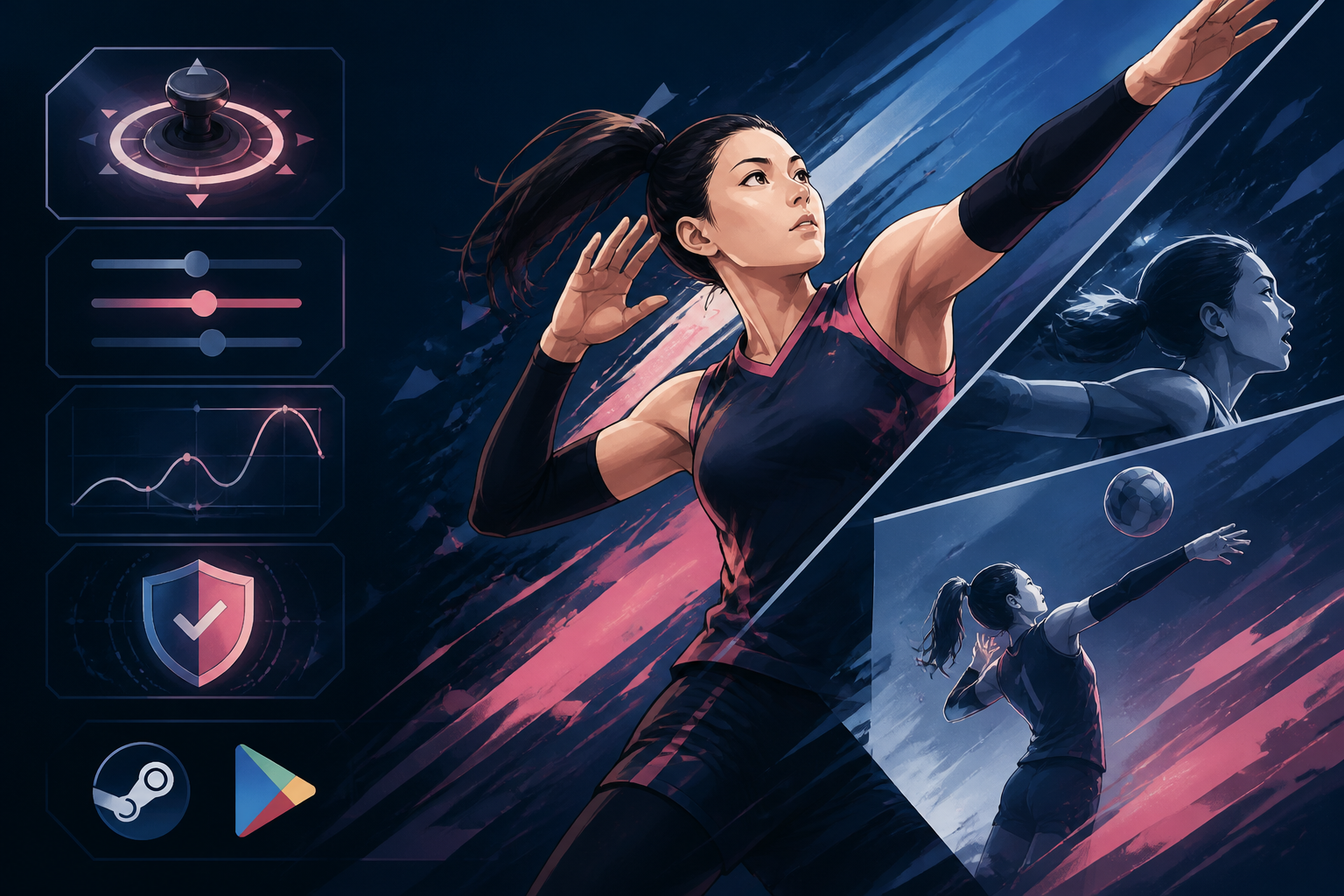
Illustrative cover generated with AI; it is not a photograph documenting the event.
Automated checks are applied. They do not establish human fact-checking.
Published by Ranko Universe. Open an editorial support ticket for corrections or questions.
The Spike Cross has published version 8.4.103 update notes, outlining changes that reach from the court to the game’s menus. The official announcement highlights new animations for Kim Yeonkoung, adjustments to Control Assist and fixes for several gameplay and interface issues.
For players, the details matter in two closely connected ways: they add presentation around a featured player while also addressing how controls and match information behave. The notes do not describe a balance overhaul or give further details on availability beyond the named update.
New animations for Kim Yeonkoung
The update adds exclusive serve and spike animations for Kim Yeonkoung, as well as a First Impact animation for her fully charged spike. These additions give her on-court presentation new details for players to encounter during matches.
The announcement also lists a sound fix for Red Hood Ryuhyeon: the spike sound effect now plays after that character’s First Impact animation.
Control assistance receives a closer look
According to the official notes, Control Assist has been improved to make adjusting control difficulty easier and more intuitive. Aerial Movement Assist has also been adjusted to provide a control feel similar to the previous Beginner Mode.
Two specific issues have been fixed: the hit-point indicator could fail to appear when the ball was below the spiker’s hitting point, and a notice about Control Assist restrictions could appear while the assist was turned off. For players relying on visual cues or tuning their settings, these corrections address moments when on-screen information did not match the situation.
More clarity in menus, plus match fixes
The Collection now offers an option to sort player skins by Rank. The Shop interface has also been revised to make bonus rates, extra item amounts and icons easier to check, with purchase-available bonus offers displayed first. The Story Mode chat log screen has been improved as well.
The update removes stamina recovery that occurred each time the ball was touched during Elite Matches. Recovery delayed while a player was exhausted will now be applied all at once when the Exhausted state ends. The notes also list fixes for overlapping buttons on the Colosseum timeout screen, incorrect team names caused by translation errors, and an unexpected game closure when opening Match Preview or Button Layout with Spike Timing Assist set to Maximum Assist.
The announcement says the last of those fixes had already been applied to the Google Play Store and Steam versions in version 8.3.107. The 8.4.103 notes therefore clarify its earlier arrival on those versions rather than presenting it as newly introduced there.
Newsroom
The details are available in the official The Spike Cross Steam News announcement for version 8.4.103. The update combines player-specific presentation changes with practical adjustments to controls, menus and match behavior.
Sources
-
8.4.103 Version Update Notes
Official source The Spike Cross — Steam News · 23/11/2026 08:47
Comments
Preparing the player…

Related Ranko TV videos
No eligible live stream or match right now. Explore Ranko TV.